Can you transcribe without Telegram Premium?
Yes, within Telegram’s available free allowance. Telegram’s current documentation describes a weekly message allowance and a maximum recording length for non-Premium accounts. These limits are configurable, so use the allowance and reset information shown in your app rather than relying on an old “two messages” claim.
Choose by the recording you have
- A short voice note in a chat: try Telegram’s →A button when available. This avoids forwarding it to a separate bot.
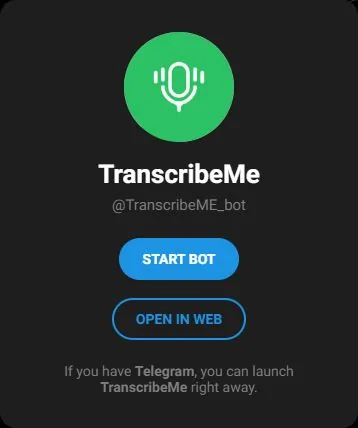
- A voice note or audio file for a small trial: TranscribeMe is linked by TranscribeGo. The operator’s Free plan advertises 10 minutes per month. Its Telegram guide describes monthly free minutes, summaries and translation. Check your current allowance in the bot before a longer file.
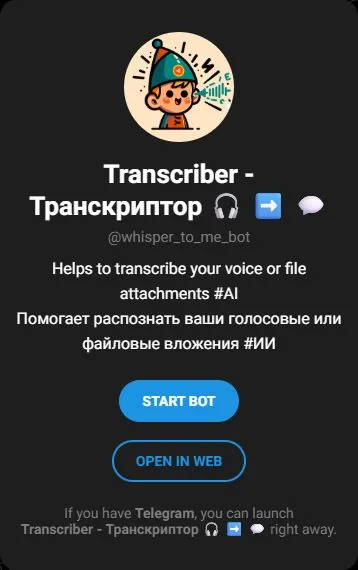
- An alternative to compare: Whisper to Me advertises voice and file transcription. Its public profile does not publish a free quota; check the bot’s terms before uploading.
Operator pages and the alternative bot’s profile checked October 22, 2026. The screenshots identify the bots; they do not show tested transcripts. Neither bot’s output accuracy or account-specific allowance was tested for this comparison.
Transcribe your first message
- Try the built-in option: if the message has Telegram’s →A control and an available allowance, tap it.
- If you choose TranscribeMe: open @TranscribeME_bot, press Start and read its current instructions. Its operator documents forwarded audio and attached recordings.
- Use a short recording you can share: select the voice message, choose Forward and select the bot. Keep the original audio beside the returned text so you can correct it before summarizing.
These are documented steps. The profile screenshots above do not show an audio test performed by TelegramSpot.
Check four details before trusting the text
Use a short, non-sensitive recording in your usual language. You can record this original sample:
Please send the three screenshots by Friday at 3 pm. The meeting is on Tuesday, not Thursday. Ask Nora to check the second screenshot.
Use the same recording for each option. Check three, Friday at 3 pm, Tuesday, not Thursday, and Nora. A smooth paragraph can still get the deadline or meaning wrong. Correct the transcript against the audio before asking for a summary.
If the recording is rejected
Read the message before retrying: an exhausted allowance, unsupported file and overlong recording need different fixes. Check the reset time or accepted format first. Try a short excerpt you are allowed to share instead of repeatedly uploading the whole recording.
For someone else’s private recording, get permission before forwarding it to a third-party bot. Keep sensitive details out of trial samples.
Already have a checked transcript? Turn it into useful notes.
Voice to text or text to speech?
Voice to text turns an existing recording into written words; that is what this guide covers. Text to speech creates spoken audio from written words. A transcription bot does not necessarily provide both.
If you want to create a voiceover, start with the AI tool finder and look for text-to-speech tools. Check voice, export and usage limits before making a full recording.