1. Check what the bot accepts and charges
@image_to_text_free_bot’s operator lists photos and PDFs up to 100 pages and 20 MB. Its free plan advertises five images per month; each PDF page uses one credit. For example, a three-page PDF uses three page credits, not one. Check your remaining allowance before uploading a long scan.
@text_from_image_bot also describes image and PDF extraction in its public profile. Its current pricing and file limits have not been verified here.
2. Try a small practice image
Download the practice image (PNG)
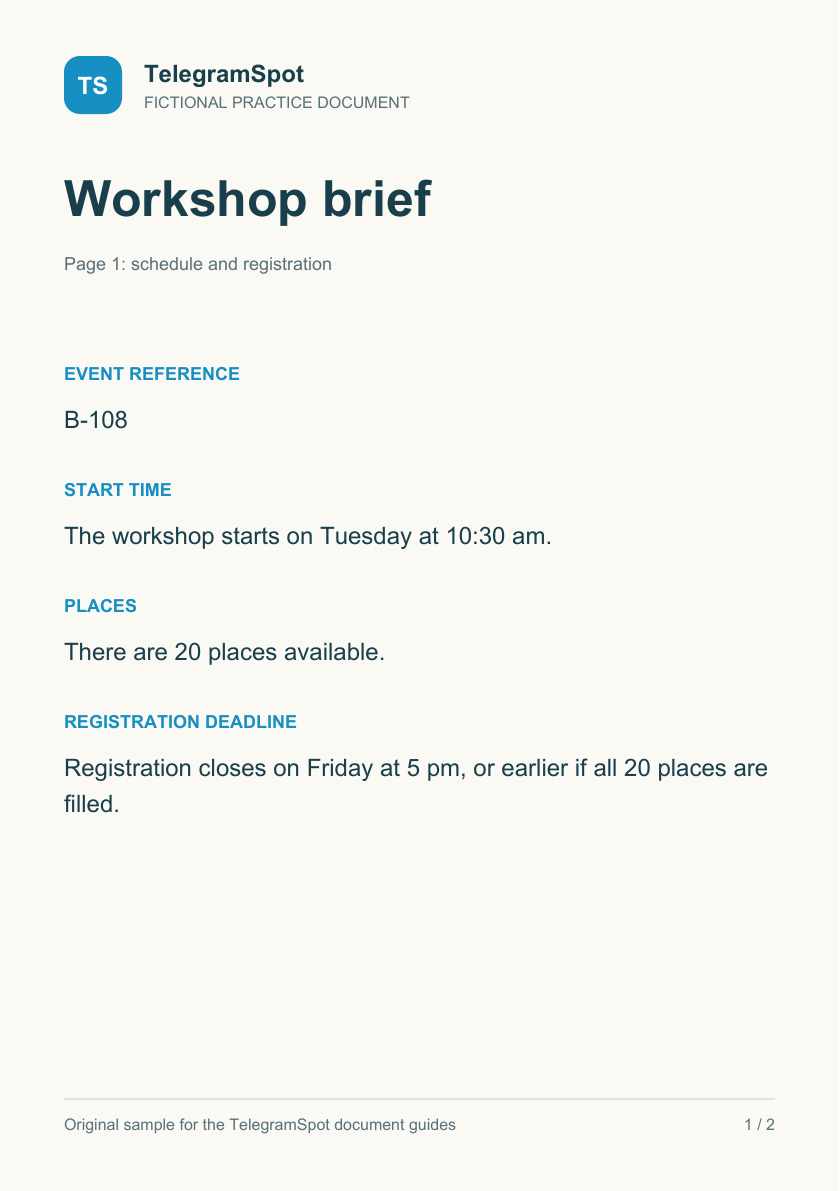
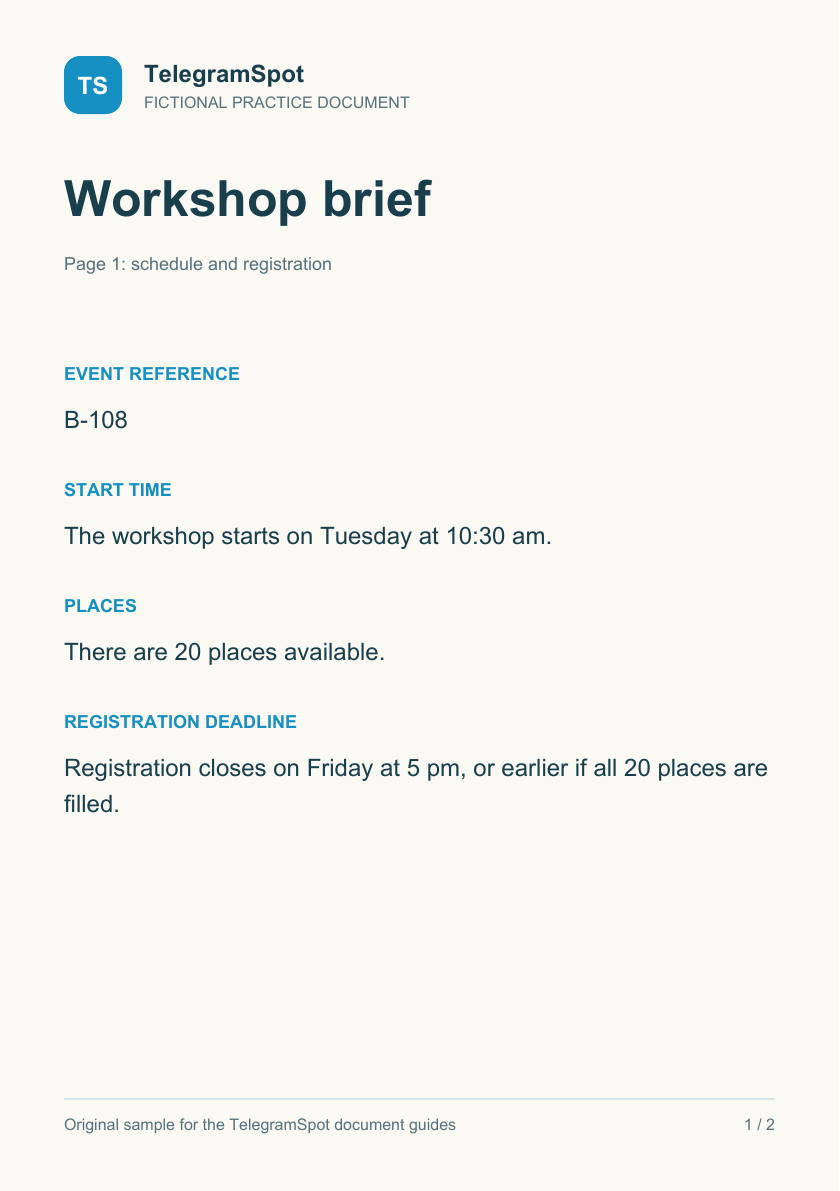
This is a deliberately clear starting image, not an OCR result. If you try it, check the following against the picture:
- The reference is B-108, with a letter B.
- The workshop starts Tuesday at 10:30 am.
- There are 20 places.
- Registration closes Friday at 5 pm, or earlier if all places are filled.
3. Make your own page readable
Straighten the page, crop away the desk and avoid glare over the words. Keep enough resolution to read the smallest characters. Start with one page before committing a whole document.
4. Check extraction before summarizing
Compare dates, quantities, reference codes and words such as “unless” or “not”. For a table, check which heading and unit belong to each number. If the extraction has mixed columns, use a smaller crop or correct the rows before asking for a summary.
Try questions with the 2-page practice PDF →
For plain text, follow the text summary guide. A good summary still needs an accurate source.