
1. Check the bot and question limits
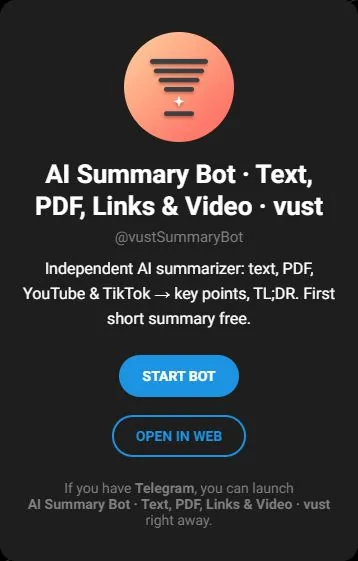
VUST’s PDF question instructions use @vustSummaryBot: send a text-based PDF, read the summary, then choose Ask about this PDF. Its published cap is three questions within 30 minutes of delivery. The page labels questions as paid; check the displayed price before sending one.
The separate @vustbot document-analysis workflow describes a 50-page limit and no clickable paragraph references. Keep its scope separate from the Summary bot’s question mode.
2. Download the practice PDF
Download the 2-page practice PDF
This original, fictional workshop notice contains selectable text and no personal information. Page 1 covers registration; page 2 covers the room and equipment. Attach the PDF as a document if you decide to try it with a bot. The reference answers below can also be checked directly in the file.
3. Choose a question to try
After the summary, enter question mode before sending your question. Choose the check you need; you do not have to spend three attempts just because three examples are listed.
Using only the workshop PDF, when does registration close? Include the exception that can make it close earlier, and quote the supporting sentence.
What is the workshop room number? Use only the PDF. If the room has not been announced, say that and quote the relevant passage.
Can I take part using only my phone? Answer from the equipment section and quote the requirement.
4. Compare with the document
Check the reference answers
- Page 1: Friday at 5 pm, or earlier if all 20 places are filled. Omitting the exception changes the deadline.
- Page 2: The room has not been announced. B-108 is the event reference, not a room number.
- Page 2: A laptop is required. A phone alone is not enough.
These answers were checked against our practice file. They are not captured bot replies. A different wording can still be correct if it preserves those facts.
5. Move to a file of your own
Check which pages were processed before relying on an answer. VUST’s Summary instructions say questions on long PDFs cover the first part; do not infer complete coverage just because the file was accepted. Find the quoted passage yourself and read the surrounding sentence.
For a scan, use text extraction first. To compare the available workflows, return to the PDF bot guide. For learning, the study guide shows how to turn checked material into a small exercise.