 Preview
Telegram themes
Choose your device, then preview a look.

Android uses .attheme files. Even a theme named “iOS 12” here is an Android theme.
8 themes
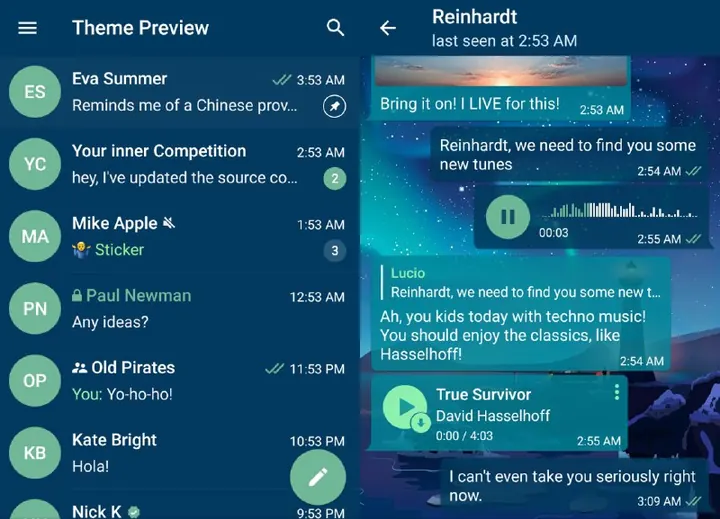
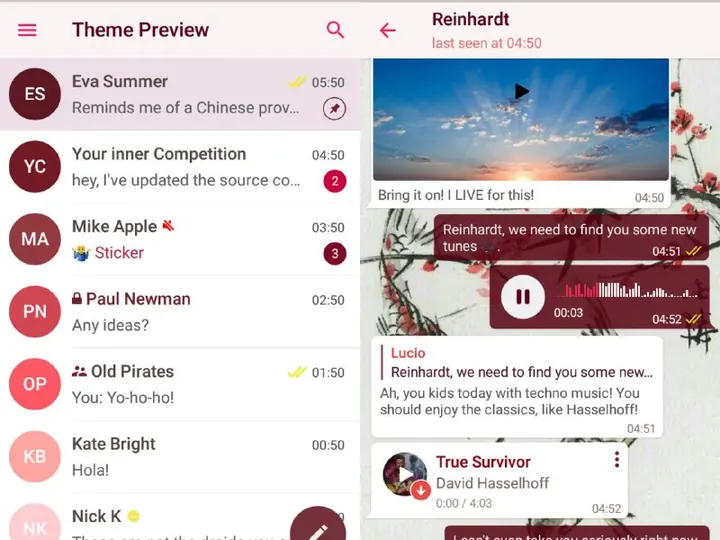
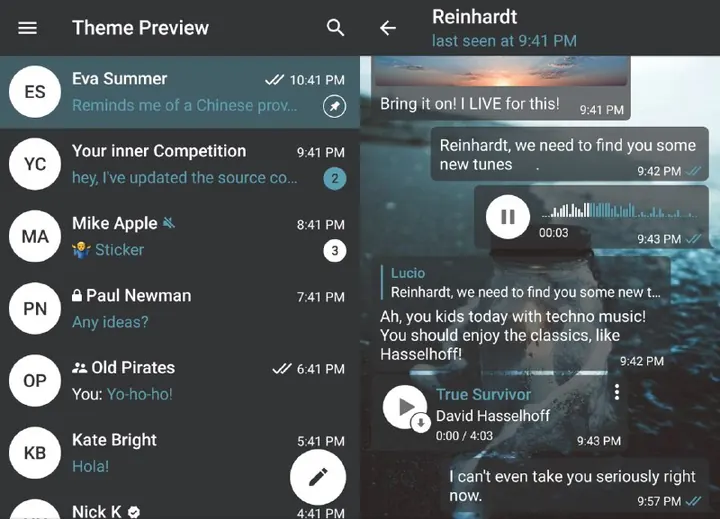
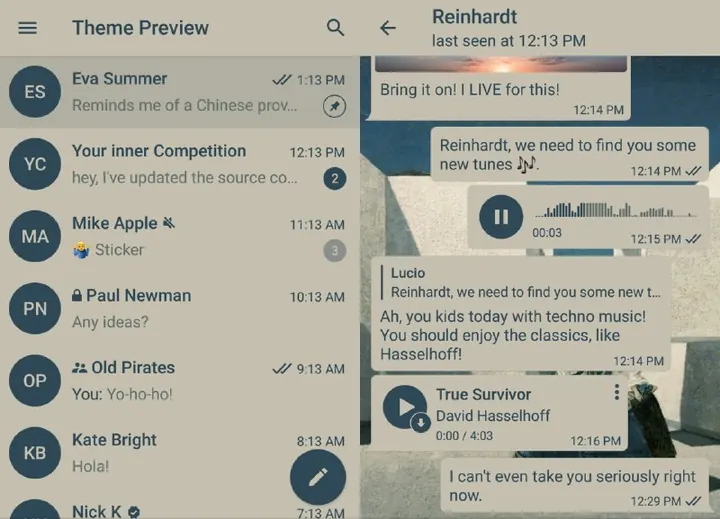
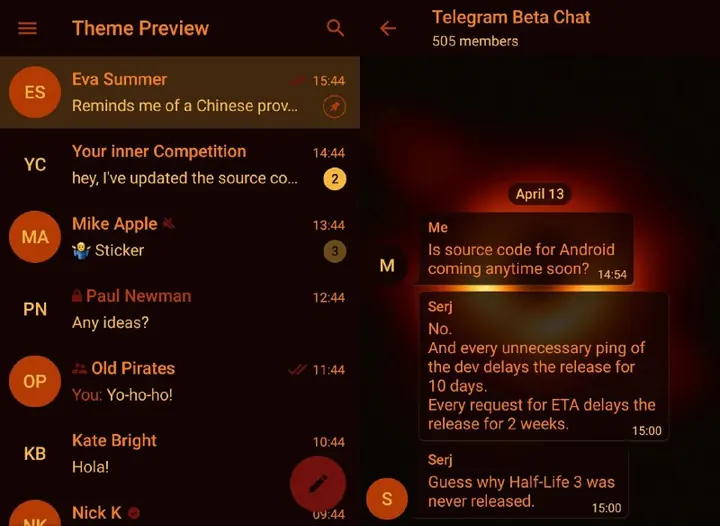
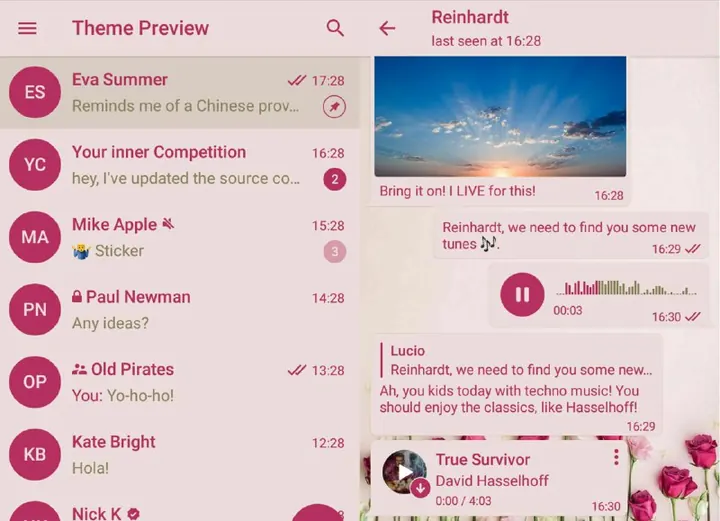
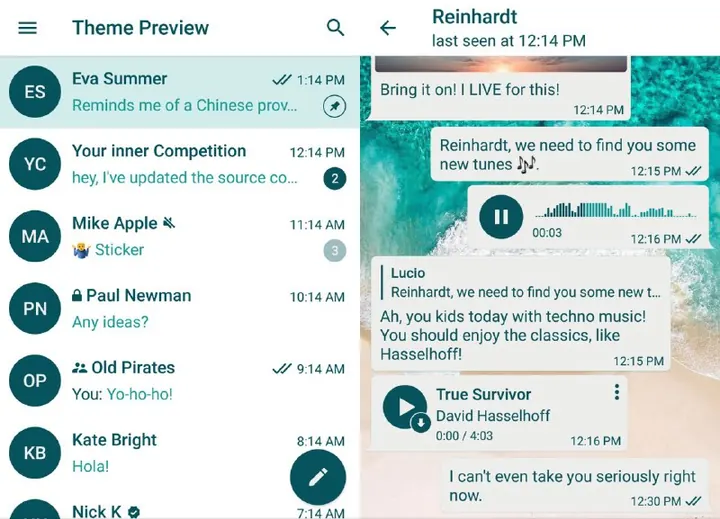
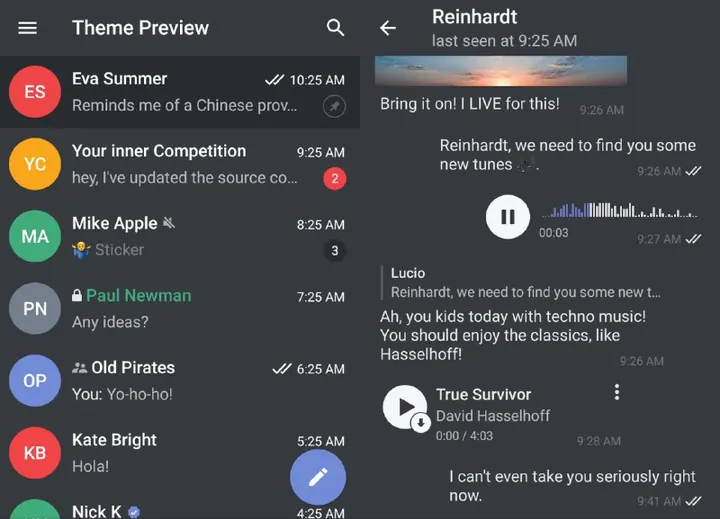
Previews come from the creators’ posts. Current Telegram versions may look different.
Changing just one chat?
Chat theme or app theme?
The gallery changes your app’s appearance. To change one private conversation instead, use its chat theme controls.
- Android: Open the conversation and look in its menu for Change Colors.
- iPhone: Open the conversation, tap the chat header, then its menu and Change Colors.
A private-chat theme can change the look for both people. Choose a built-in option; you do not need a theme file from this gallery.
Menu names can vary by app version. Telegram’s instructions
Find a look: pink, space or anime
Pink Telegram themes
Flowers has pale pink surfaces and floral artwork in its creator preview.
Space themes
Choose a planet-filled Desktop preview or a dark black-hole theme for Android.
Anime themes
Our current anime pick is a light Desktop theme with an illustrated wallpaper. An iPhone or Android edition is not verified here.
Downloads, colours and fixes
How do I download and apply a Telegram theme?
Choose your device, preview the theme, then use Get theme. Open the linked attachment in the matching Telegram app and check its preview before applying. Saving the preview picture only downloads an image; it does not install the colour theme.
Android uses .attheme, iPhone .tgios-theme, and Telegram Desktop .tdesktop-theme. A shared t.me/addtheme link can cover more than one client only if the creator supplies those versions.
Can an iPhone theme work on Android?
A theme name does not decide compatibility. Our “iOS 12” listing is an Android .attheme file that changes its appearance. It is not an iPhone download. Choose the version labelled for the app you are using.
Where can I download a Telegram Desktop theme?
Start with the Desktop gallery and choose Get theme for the matching .tdesktop-theme attachment. A downloaded screenshot is only the preview image.
For another named option, Dracula’s own Desktop guide documents a colors.tdesktop-theme file and a separate background step. Follow the creator’s matching-client instructions; we have not installed that theme in this review. Its download is separate from our 24 gallery files.
Why does my Telegram theme keep changing?
Two documented behaviours are worth checking: a chat theme can follow your app’s day/night setting, and a cloud theme can update when its creator publishes changes. Check whether the switch happens at a time of day or after a creator update before replacing the file.
Those are possible causes, not a diagnosis of your device. Compare with a built-in theme and check your current app’s appearance settings.
Theme or wallpaper: which changes the chat bubbles?
A wallpaper changes the image behind messages. A theme can also change colours such as bubbles and interface accents. If you only want one conversation to look different, use its chat-theme controls; the app-theme gallery is for your own app appearance.
Are dark themes AMOLED or transparent?
We have not verified true-black AMOLED or transparency support for these files. The Dark filter describes the creator preview, not a measured battery saving or a guarantee that every surface is black. Check the in-app preview on your current Telegram version.
How can I make my own Telegram theme?
Use Telegram’s theme guide to open the official online editor, choose a platform and edit its colours. After saving, Telegram supplies a sharing link. Add the other platform versions if you want the same link to work across devices.
Customising a built-in appearance and background is a smaller first step than building a complete theme file.
Apply, fix or reset a theme
Apply a Telegram theme on Android
- Open Android themes on your Android phone.
- Choose a theme and tap Get theme.
- Open the .attheme file in Telegram. Look through the preview and tap Apply.
The Discord Android file is separate from its Desktop version. A familiar theme name does not mean the same file works everywhere.
Apply a Telegram theme on iPhone
- Open iPhone themes on your iPhone.
- Tap Get theme and open the .tgios-theme attachment in Telegram.
- Check the preview and choose Set or Apply, depending on your app version.
The gallery also has an Android theme named “iOS 12”. It changes the appearance of Android Telegram; it is not an iPhone file. Always check the device label.
Apply a Telegram theme on Desktop
- Open Desktop themes on your computer.
- Tap Get theme and open the .tdesktop-theme attachment in Telegram Desktop.
- Check the preview and apply it from the app.
These files are for Telegram Desktop. The separate native Telegram for macOS app uses its own theme format.
Use a shared theme link
Cloud links such as Discord Dark, WhatsApp and Desert open a theme in Telegram. Open the link on the device you want to change. The author must supply support for that client.
Telegram's theme guide explains that one cloud link can support multiple platforms. It does not mean every shared theme does.
Reset a theme or change its wallpaper
On Android, go to Settings → Chat Settings. On iPhone, go to Settings → Appearance. In Telegram Desktop, open Settings → Chat Settings. Choose a built-in theme to go back, or change the chat background if you like the colours but want a quieter wallpaper.
The gallery uses the creators' published previews. Menu labels and appearance can differ in current Telegram versions. If you want to design a theme, start with Telegram's theme editor.
Theme link opens, but there is no Apply button?
First check the device label. An Android file will not apply to an iPhone, even if the theme is named after iOS. Open the attachment inside the matching Telegram app rather than the browser preview. On a Mac, these Desktop files are for Telegram Desktop, not the separate native Telegram for macOS app.
If a cloud theme has no version for your client, choose another theme for your device. If only the background looks wrong, change the wallpaper before replacing the entire theme.
These installation notes follow published files and Telegram documentation. The creator previews were collected October 12; a current physical-device installation has not been performed here.