



Want Telegram to look better fast? Here are the best themes grouped by Desktop, iPhone, and Android. Each one has a preview and a direct link. I also added the quickest way to apply them so you don’t waste time.
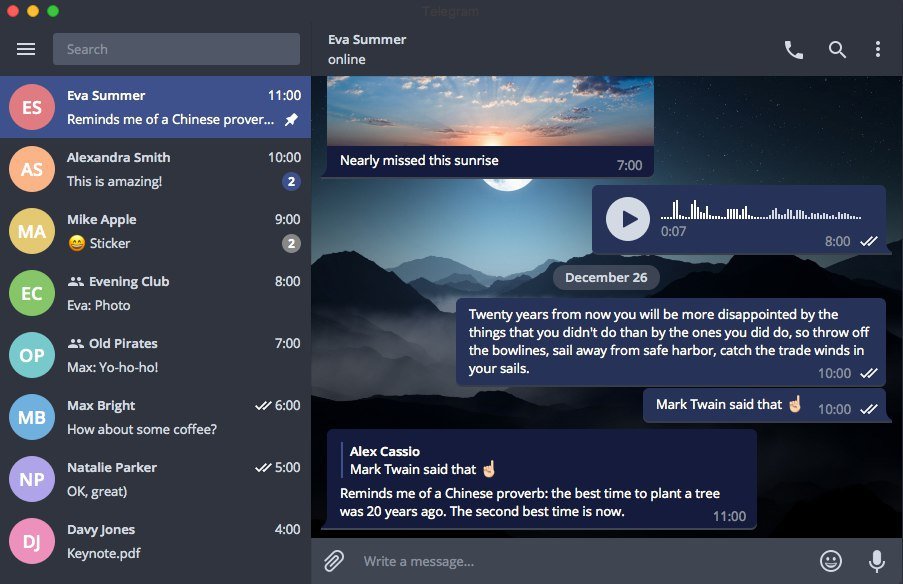
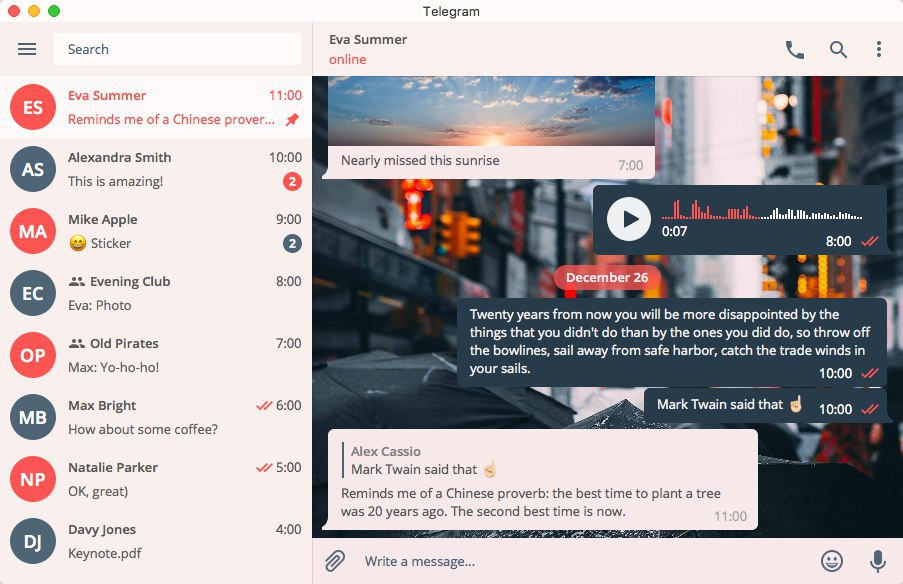
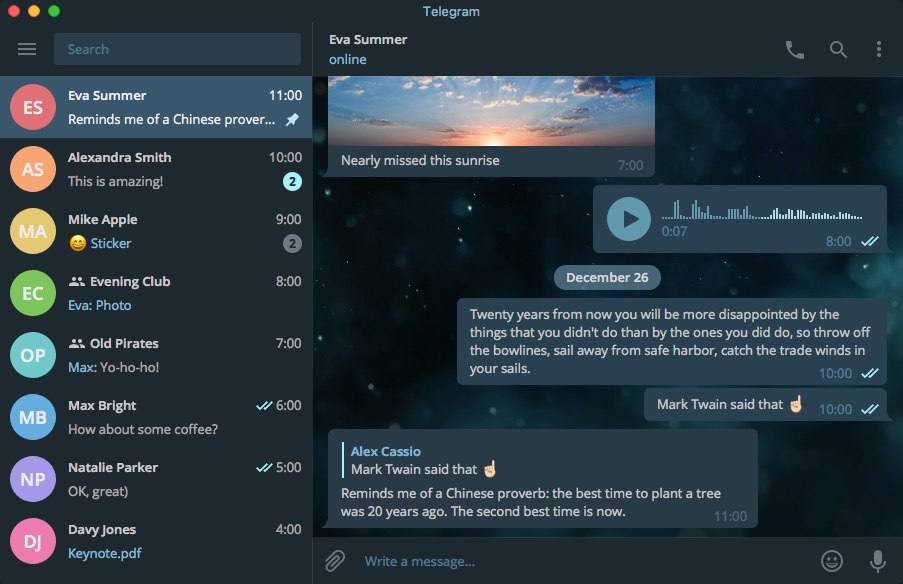
Desktop Themes (Telegram Desktop)
Best if you want the full theme experience—real theme files, cleaner UI, and the biggest visual change. Pick one, apply it once, and you’re done.
Android Themes (Telegram Android)
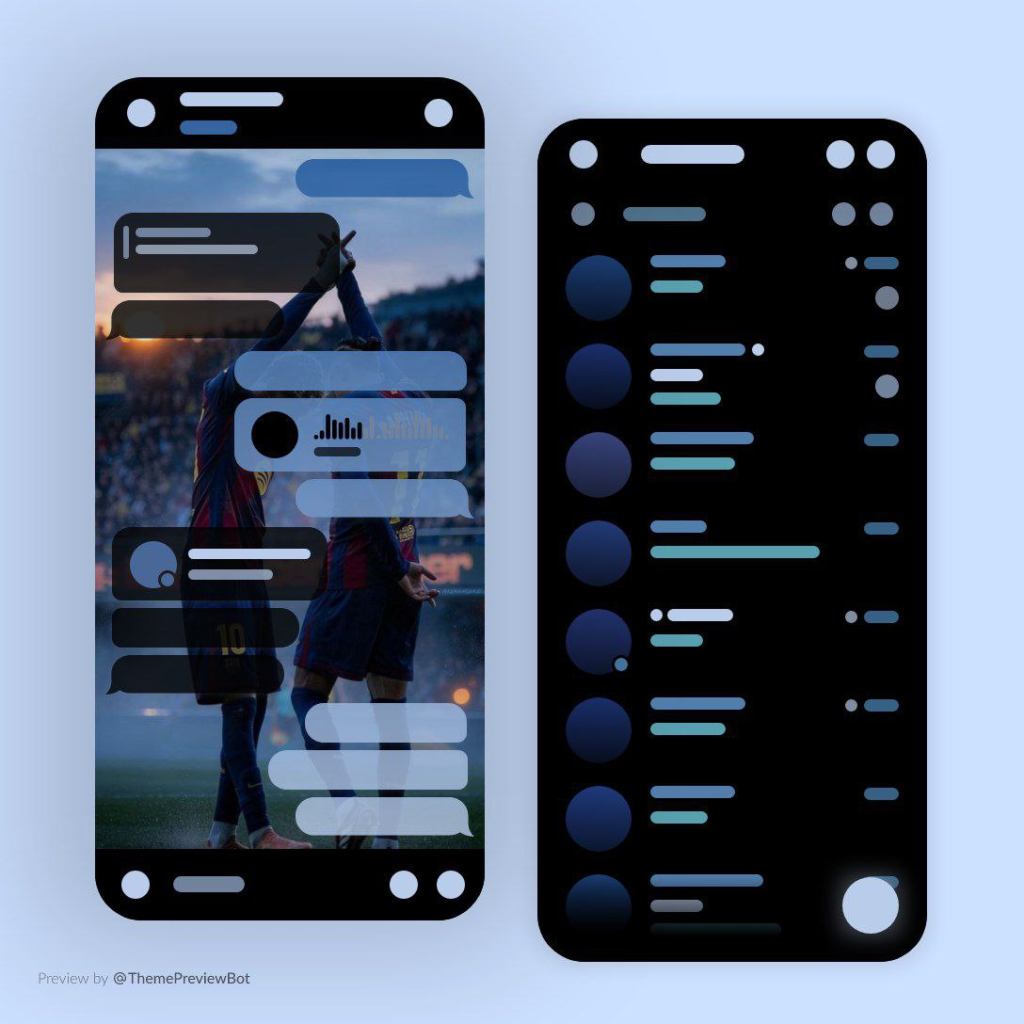
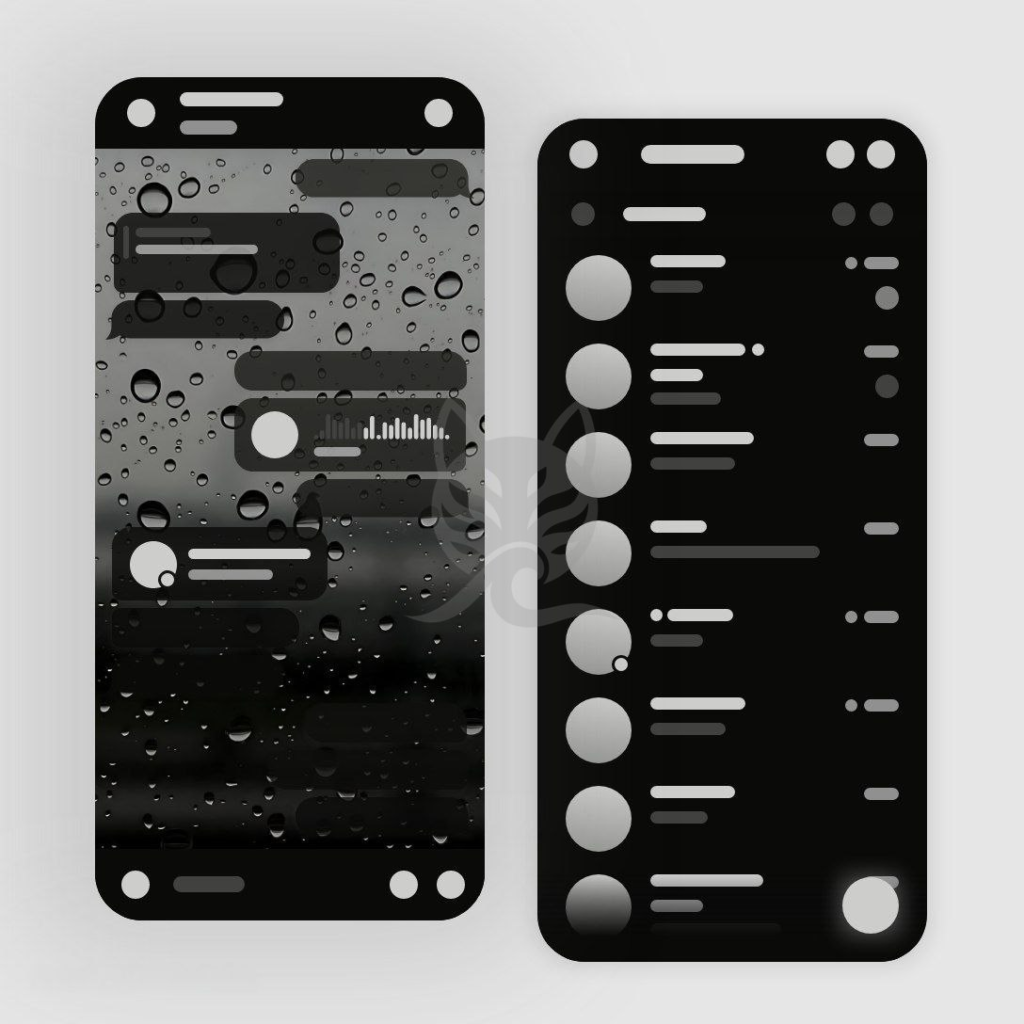
Android has the most theme variety. You can apply .attheme files instantly and tweak colors/backgrounds easily if a theme looks good but needs better readability.
iPhone Themes (Telegram iOS / iPhone)
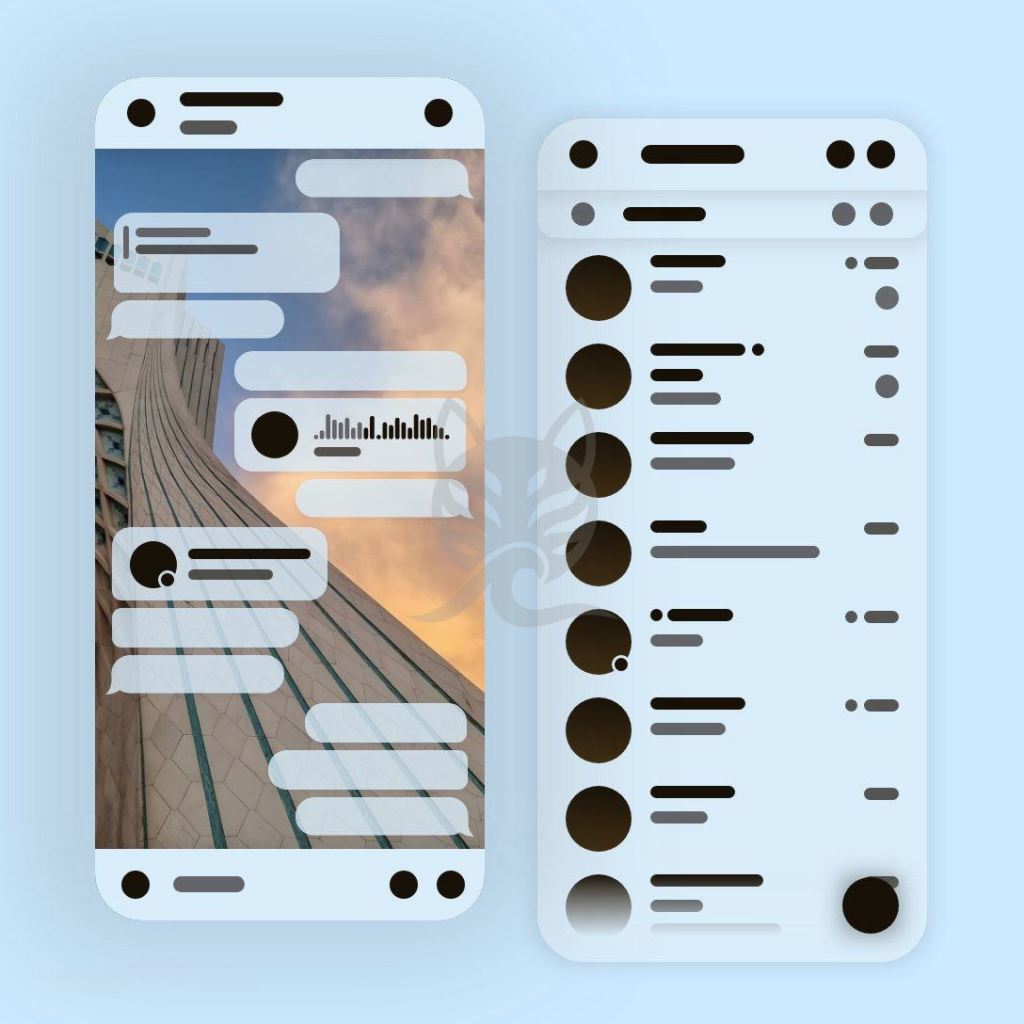
iPhone doesn’t use the same theme files as Android/Desktop, but you can still get a “theme look” using Appearance + Accent color + Chat background. I listed the best iOS-style combos below.
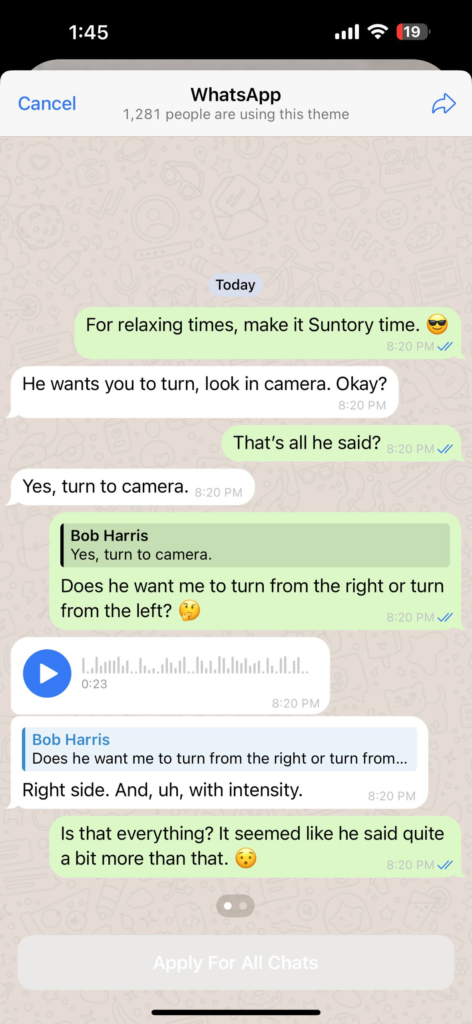
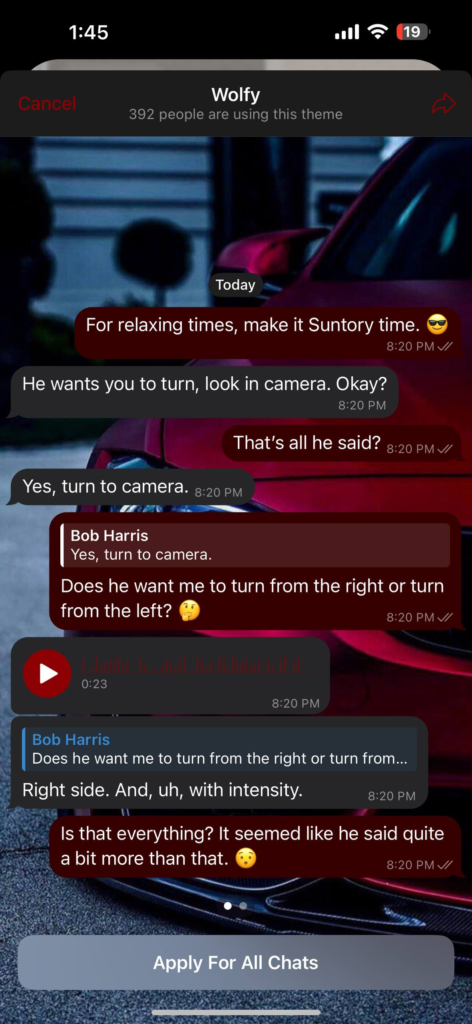
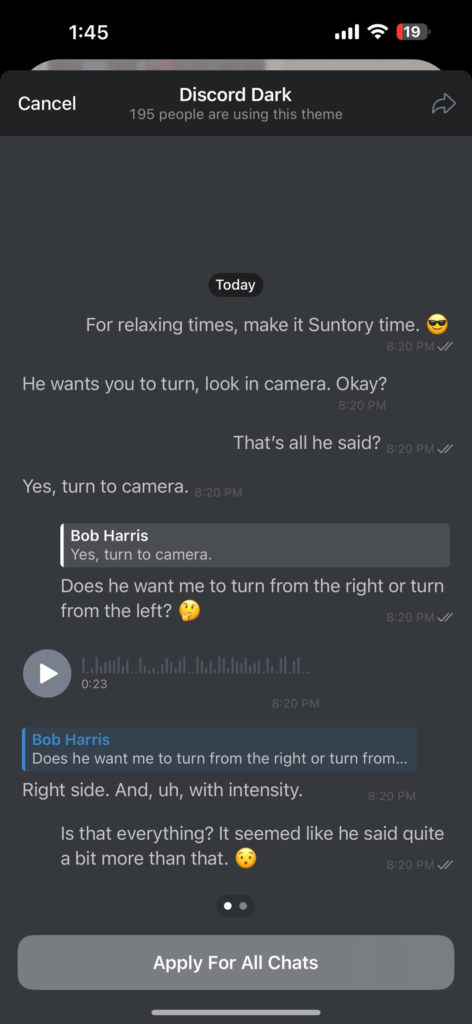
Make any Telegram theme look good (and readable)
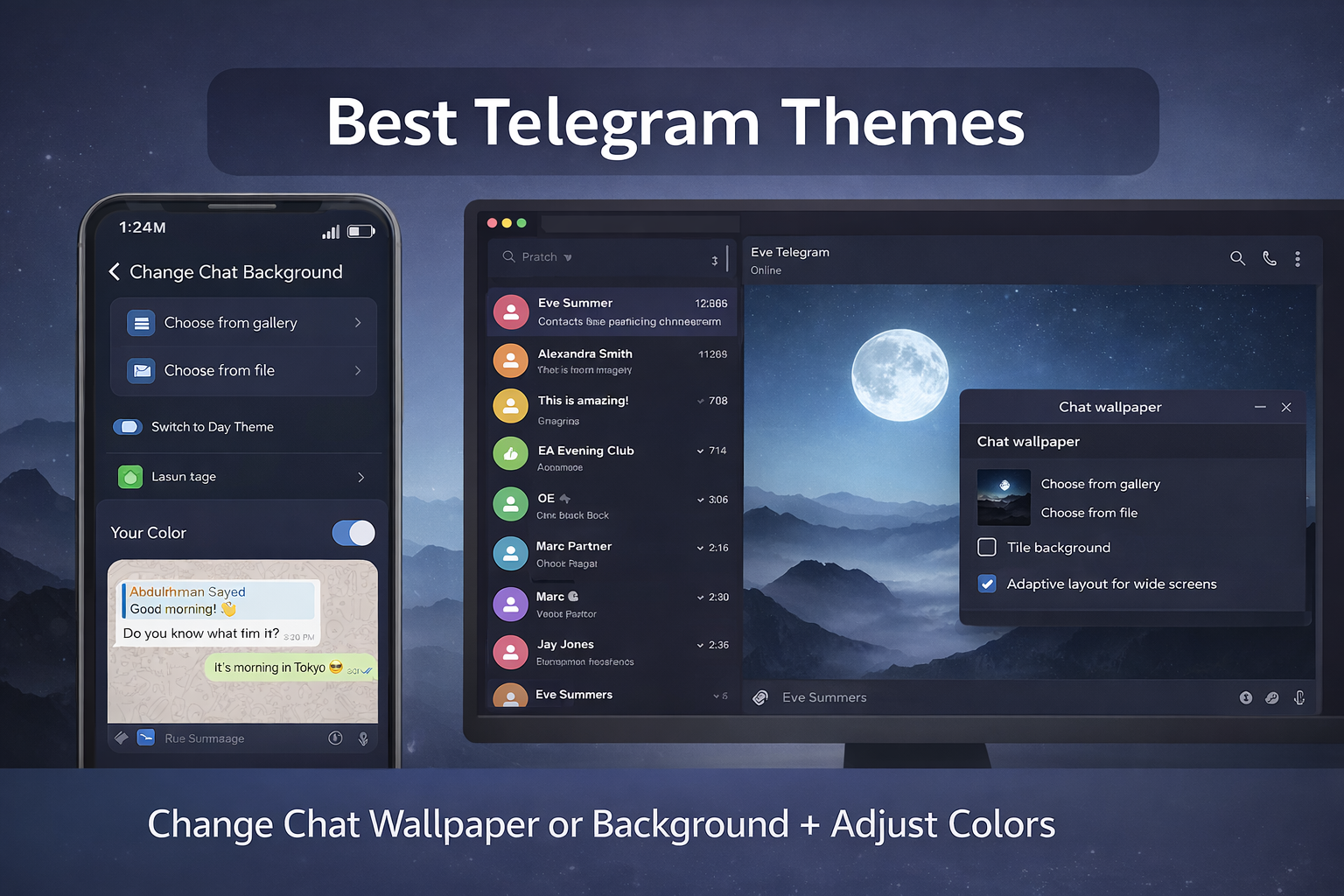
Sometimes a theme applies but the wallpaper doesn’t, or the text becomes hard to read. Don’t switch themes immediately — usually you just need to change Wallpaper and a couple of color settings.
iPhone (iOS): Appearance → Chat Wallpaper
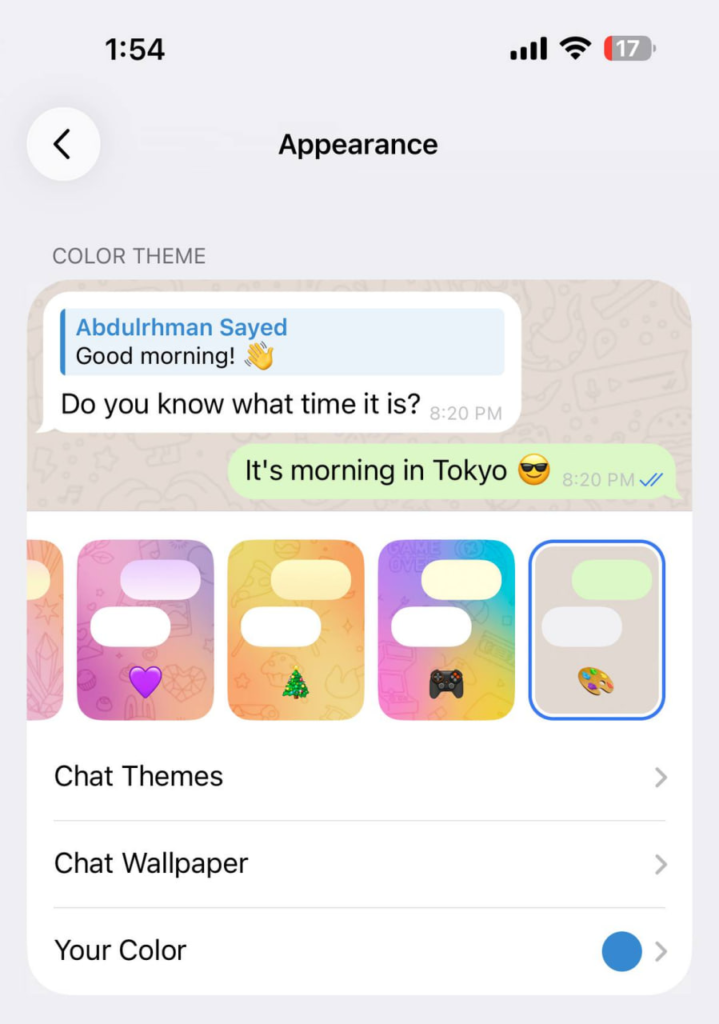
- Telegram → Settings
- Appearance
- Tap Chat Wallpaper
- Choose a wallpaper that matches the theme (or pick a clean solid color)
Quick readability tip:
If the background is busy, use a plain/dark wallpaper so message text stays readable.
Android: Chat Settings → Change Chat Background
On Android, it’s usually here:
- Telegram → Settings
- Chat Settings (or “Chats”)
- Change Chat Background / Chat Background / Wallpaper
- Pick a wallpaper that fits the theme
If your theme is too bright:
- switch to a darker wallpaper
- reduce background patterns
- keep contrast high (dark background + light text)
(Menu names can vary slightly by Telegram version, but “Chat Settings” and “Chat Background” are always the idea.)
Desktop: Settings → Chat Settings → Change Wallpaper
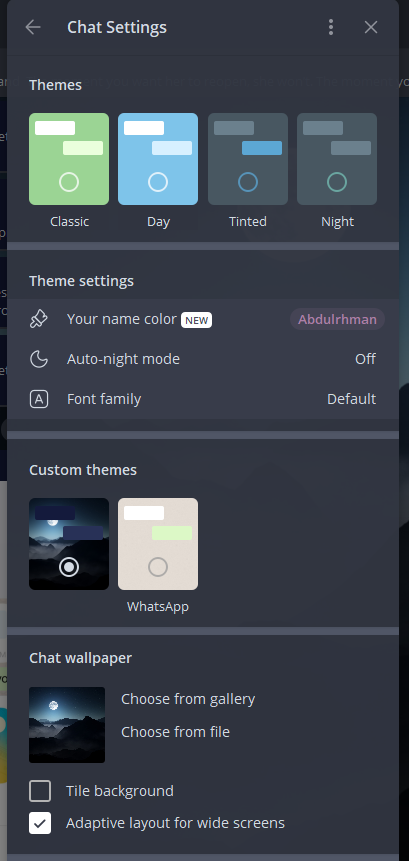
- Telegram Desktop → Settings
- Chat Settings
- Chat Wallpaper
- Choose from gallery or upload your own
✅ Tip: keep Adaptive layout for wide screens ON (it makes themes look cleaner on large monitors).
3 wallpapers that always work (easy picks)
- Solid dark (best for dark themes / night use)
- Soft gradient (nice aesthetic, still readable)
- Very subtle pattern (looks premium without ruining text)