


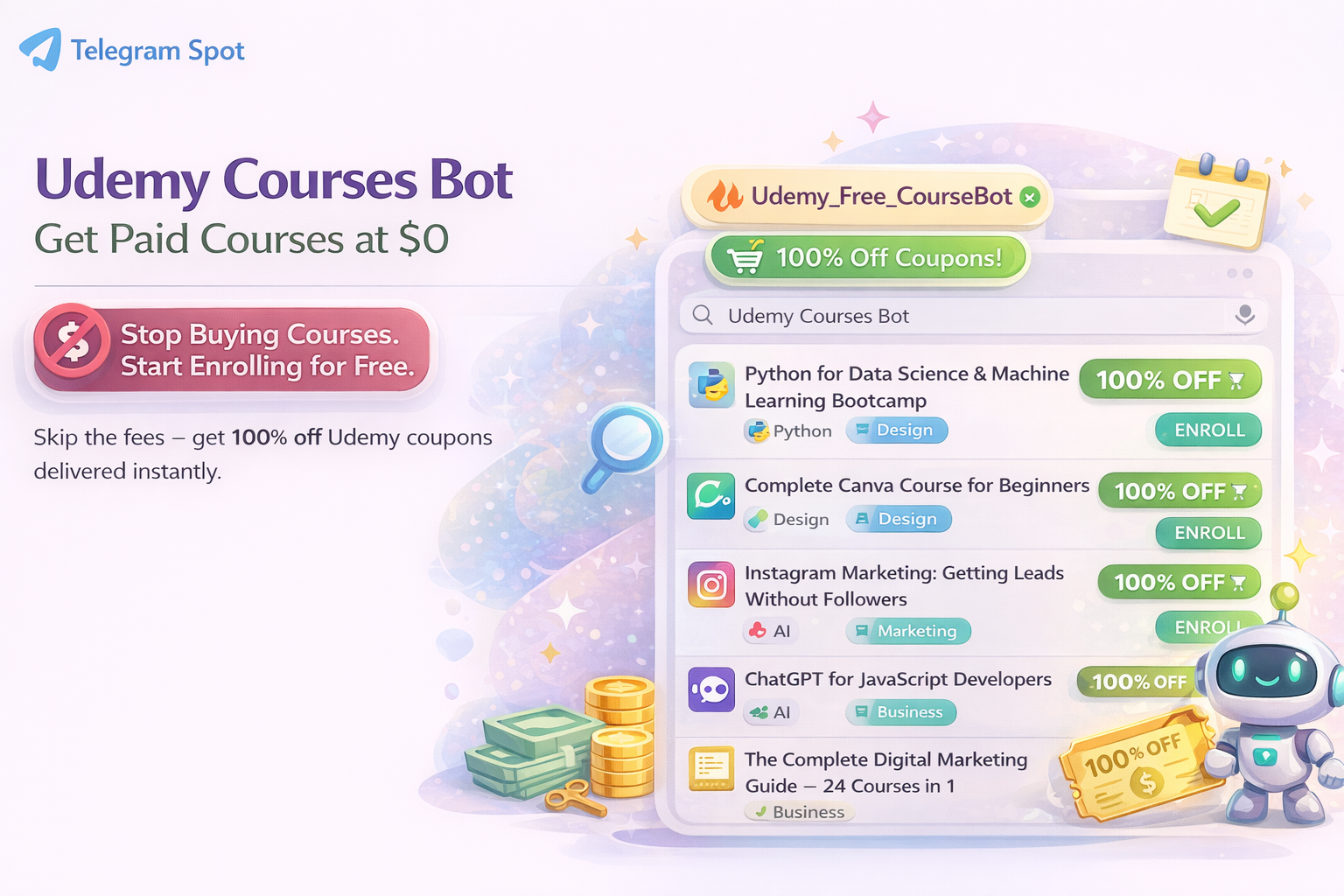

🛑 Stop Buying Courses. Start Enrolling for Free.
Most people collect courses they never open. You buy a course for $15 today, and it hits $0 tomorrow. That’s money gone — and attention gone.
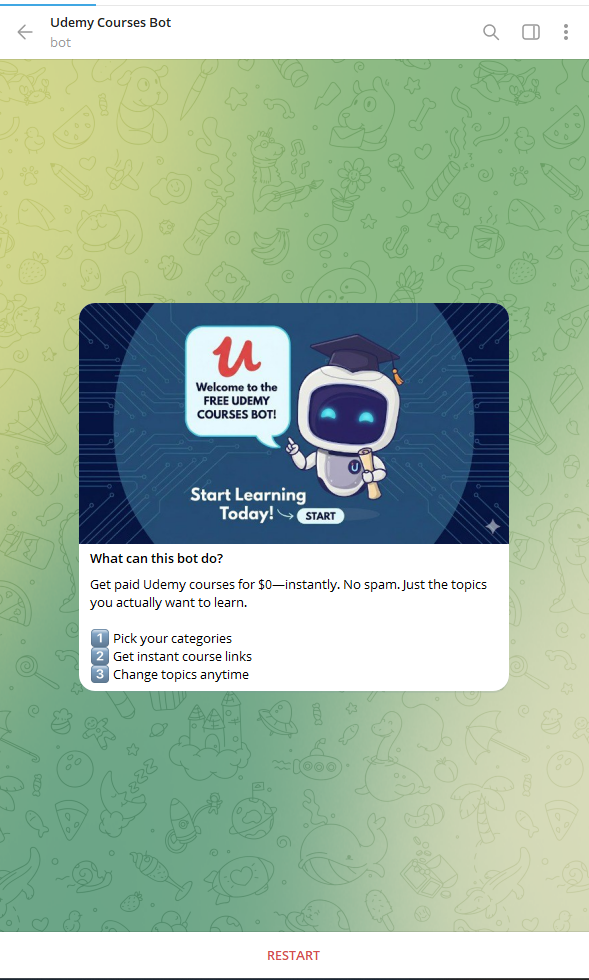
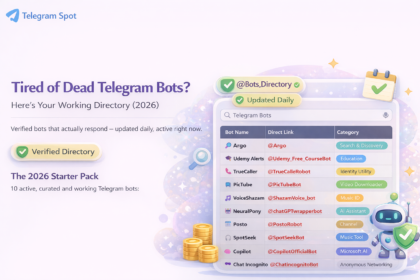
So why spend $100 on a skill when it’s free today? @Udemy_Free_CourseBot is a Telegram bot that helps you learn for free by sending 100% off Udemy coupons directly to you.
How this bot works
Pick categories → wait → get a $0 link → enroll (or skip).
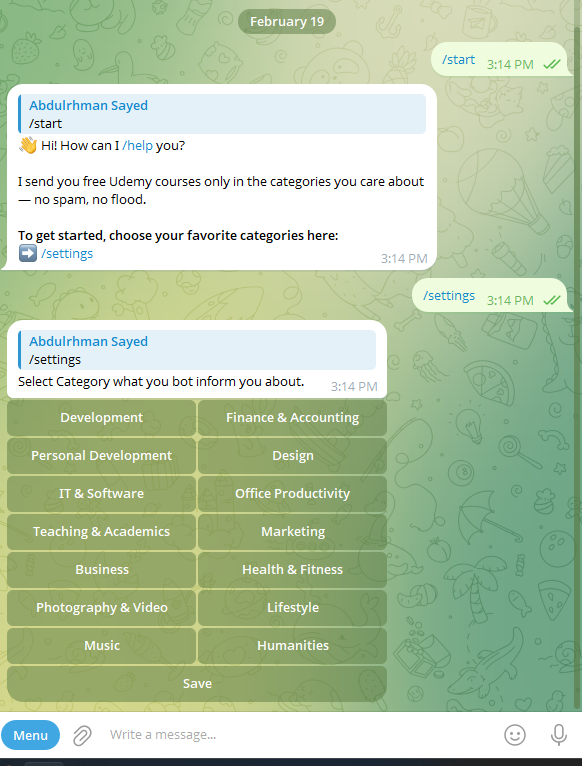
- Start: @Udemy_Free_CourseBot ➔
/start - Tap:
/settings➔ Pick 2–3 “Categories” (e.g., Python, AI, Design). - Ping: When a match hits $0, you get a direct link to enroll instantly.
Important: After you save your categories, you won’t receive courses instantly. The bot sends alerts only when it finds a matching course—usually within ~30 minutes after saving your settings.
All courses are 100% legal: we only share official Udemy promotions and coupons created by instructors (limited-time offers that can expire).
Pick Your Specialty
- 💻 Tech: Development, IT & Software, AI
- 📈 Business: Marketing, Finance, Office Productivity
- 🎨 Creative: Design, Photography, Music
- 🧘 Lifestyle: Health, Personal Development, Teaching
Expert Tip: Select only 3–5 categories for a high-signal feed. If you want everything, toggle them all, but be ready for the volume.
How to Use the Bot Without Getting Overwhelmed
This bot can send 10+ courses/day (and 300+ if you select all categories). If you don’t filter, you’ll collect courses and never learn. Use this simple system:
1) Pick fewer categories (the “2–3 Rule”)
✅ Start with 2–3 categories max.
More categories = more alerts = less progress.
Best combo:
- 1 “career” category (e.g., Python / Web / Data)
- 1 “support” category (e.g., English / Productivity)
- 1 “fun” category (optional)
You can always change categories later.
2) Use the 30-second course filter (before you enroll)
When a course hits $0, check these fast:
✅ 3 quick checks
- Ratings + count: 4.6 with 40 ratings ≠ 4.6 with 5,000
- Students enrolled: More learners is usually a safer signal
- Curriculum clarity: Look for specific skills/projects, not “secrets/mindset/tips”
🚩 Skip if
- “Become expert in 2 hours”
- Vague curriculum titles
- Old update date (especially for tech)
3) The “Save vs Enroll” rule (stops course-hoarding)
With dozens of alerts, don’t enroll immediately.
✅ Do this instead:
- Save/Bookmark anything that looks good
- Enroll only if you can start today
If you can’t start today, it goes to the weekly review list.
4) The 10-minute rule (turn alerts into progress)
✅ If you enroll, watch the first 10 minutes today.
Why it works:
- Instantly tells you if the instructor is good
- Makes continuing easier
- If it’s boring/confusing, drop it guilt-free
5) Weekly review (15 minutes, once per week)
Once a week:
- Open your saved list
- Pick ONE course to commit to
- Delete the rest (yes, seriously)
Progress beats collecting.
6) “1 course at a time” policy
Never take more than 1 main course + 1 small course at once.
Example:
- Main: Python/Web/Data
- Small: English/Communication/Productivity
Quick Tip if You Choose “All Categories”
If you pick all categories, expect 300+ alerts. Only do this if your goal is deal-hunting, not learning.
Ready to Master a New Skill for Free?
The next $0 drop is coming. Don’t be the one who misses it.